Shop not showing on Google Maps? Six causes and the fixes
Google never warns you when an open shop drops off Maps. Six causes, from 'permanently closed' edits to wrong categories, and the fix for each.
Updated 6 October 2026
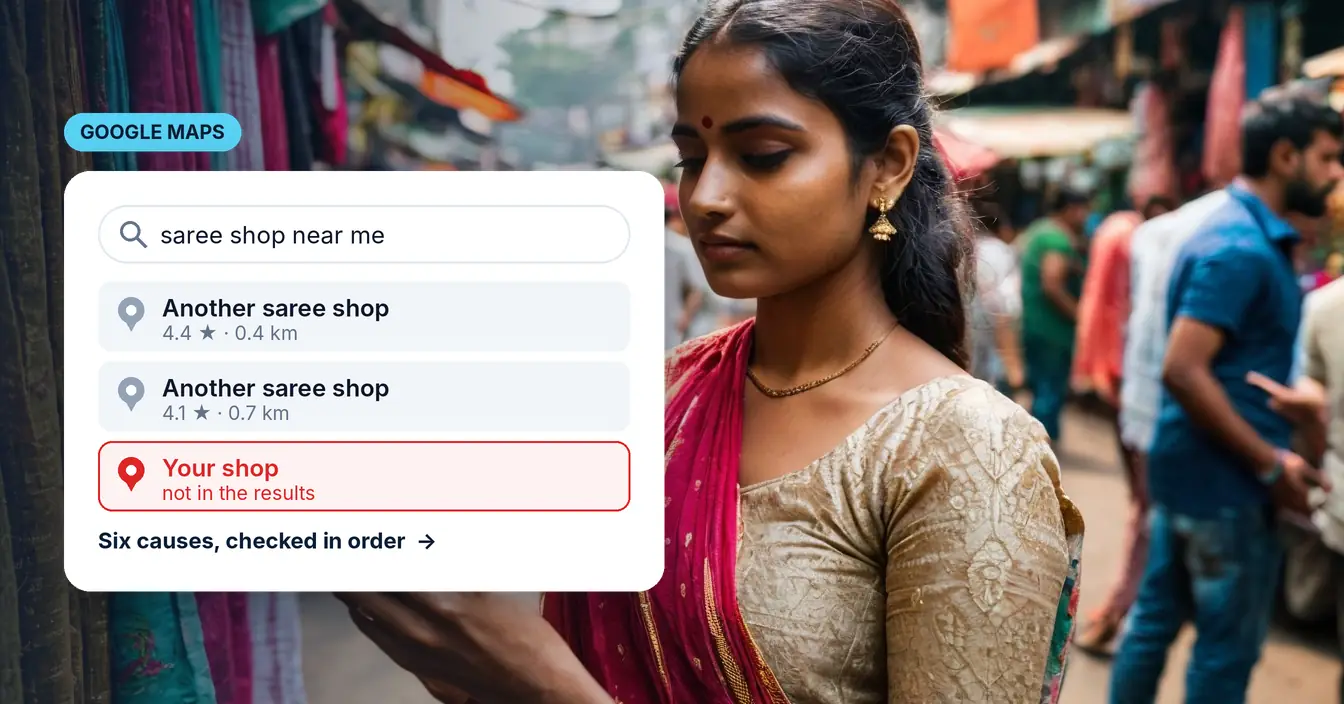
Someone standing two streets away searches for what you sell, and you are not in the results. The shop is open. It has been open for years. Nothing has changed.
This is the most common complaint I hear, and almost every time it turns out to be one of six things. None of them announce themselves. Google does not send a warning, does not email you, and does not put a banner on your profile saying you are invisible to everyone within a kilometre. The searches simply go somewhere else, quietly, week after week.
Here they are in the order worth checking, cheapest and most likely first.
1. Check whether the listing exists at all
Not on your phone. Your phone is signed into your own Google account, it knows your search history, and it will show you your own shop when nobody else can see it.
Open a private window, or borrow a phone belonging to someone who has never searched for you, and look for your business name plus your area. Then look for what you sell plus your area — "electrical shop Behala", "saree shop Gariahat" — and see whether you appear anywhere in the map results.
If your name search finds nothing, there is no listing to fix and that is the whole problem. A Google Business Profile is free, it takes about twenty minutes to create, and for a walk-in business it matters more than a website does.
If your name search finds you but the category search does not, skip to point three.
Ask an assistant about your own shop.
Type your business name. This writes the questions a customer would actually ask, and you go and see what comes back. Nothing is sent anywhere from here — the text is built in your browser.
What do you know about my business in Kolkata? Are they still open?
I want to contact my business in Kolkata. What are their opening hours, phone number and address?
Recommend three good options in Kolkata for what my business sells, and say roughly what each charges.
There is no right score here and this does not grade you. If the answer is confident and correct, your details are consistent enough for a machine to trust them. If it is vague, out of date, or about somebody else — that is what a customer is being told right now, and there is no click for you to fix it on.
2. "Permanently closed" when you never closed
This one is worth checking early because it is common, it is invisible from your side, and it is completely fatal — a closed listing is removed from ordinary search results.
It happens for reasons that have nothing to do with you. Anyone can press Suggest an edit on Google Maps and mark a business closed, and Google frequently accepts those edits automatically without telling the owner. A competitor can do it. So can a customer who went to the wrong address. Google's systems also read your website, your Facebook page and third-party directories, and if any of those still carry a lockdown-era "temporarily closed" notice or a set of hours that contradict your profile, the listing can be flipped for you.
There is also a scam built on this. Someone marks a business closed, then telephones the owner pretending to be Google support and offers to fix it for a fee. Google does not do that. If you get that call, hang up.
The fix, in order of what to try:
- Sign in as the owner and mark the profile open again from the profile itself.
- If that control is missing, suggest an edit through Google Maps marking it open.
- If neither works or the change reverts, appeal to Google support in writing with proof the business trades — GST registration, trade licence, a photograph of the premises with the signage visible, a working website with the address on it.
A straightforward reopen can take days. A reclaim plus an appeal can take several weeks, and anyone who promises you faster is guessing. If the listing has vanished from Search and Maps entirely, or says Claim this business as though you never owned it, that is a suspension rather than a closed edit — a different problem with a different fix, covered in why your Google Business Profile got suspended. Keep the paperwork ready before you start: an appeal that arrives with proof attached moves considerably faster than one that starts a conversation.
If you do not have that paperwork in order, it is worth fixing for its own sake, not only for Google. Registrations are also the thing a landlord, a bank and a wholesale supplier ask for.
3. The category is doing more work than you think
Google's own documentation says local ranking comes down to three things: relevance, distance and prominence. Relevance is largely your primary category, and most listings I look at have it wrong.
A shop selling and repairing mobile phones set to "Electronics Store" will not surface for "mobile repair near me", because that is a different category and Google treats it as a different intent. A wholesaler set to "Store" is competing for nothing in particular. A tailor set to "Clothing Store" is invisible to everyone searching for a tailor.
Pick the single most specific primary category that describes what you actually do, then add the secondary categories for everything else. The primary one carries far more weight than the rest, so it should describe the thing you most want to be found for, not the broadest thing that is technically true.
Then, while you are in there: check the service area, the hours, and whether the description reads like a person wrote it.
4. Proximity is the one thing you cannot fix
Distance is the second of Google's three factors and it is unsentimental. If someone searches from four kilometres away and there are nine shops like yours nearer to them, you will not be in the top three, and no amount of optimisation changes that.
This matters because it explains a result that otherwise looks like failure. If you rank well when someone is nearby and badly when they are across town, nothing is broken — that is the system working as designed. What you are competing for is the searches happening within a realistic distance of your door.
The practical consequence: judge your listing by searches from near your shop, not from your home in another neighbourhood.
5. Your name, address and phone must match everywhere
Google builds its confidence in a business from agreement across sources. Your listing, your website, your Facebook page, JustDial, IndiaMART, the invoice you hand out — if the phone number on one is a digit different from the number on another, or the shop is "Sharma Electronics" in one place and "Sharma Electronic & Sons" in another, that is a business Google is less sure about. Less sure means shown less often.
This is the single most common finding when I look at a shop's online presence, and it is also the most boring to fix. There is no trick to it. Write down the exact name, the exact address and the exact phone number once, and then go and make every place you appear online say precisely that.
6. Photos and reviews are the tie-breaker
Prominence is Google's third factor, and between two shops that are equally relevant and equally close, this is what separates them.
Photos first, because they cost nothing. A listing with no photographs, or with one blurry picture of a shutter, converts badly even when it ranks — someone deciding between you and the shop next door is looking at pictures. Ten decent photographs taken on a phone in daylight will do: the front with the signage readable, the inside, the counter, the stock, you. Google's size rules, which three categories to do first, and the mistakes that make a listing look worse than no photos at all are in what photos actually belong on your Google Business Profile.
Reviews second. Ask, in person, at the moment someone is happy — not by text message a week later. A printed QR code on the counter that opens your review link removes the only real obstacle, which is that nobody wants to type your business name into Google to find where to leave one. Reply to every review, including the bad ones, in a sentence.
What to do this week
In this order, because it is also the order of effort:
- Search for yourself in a private window from near your shop. Write down what you actually see.
- If the listing says closed, start the reopen today — it is the only one of these with a waiting period attached.
- Fix the primary category.
- Make the name, address and phone identical everywhere you appear.
- Add ten photographs.
- Print a review QR code for the counter.
That is a weekend of work and it costs nothing but the time. If you would rather have it done and handed over, that is what the Google listing service is — ₹999, once, with the login registered in your name from the first day.
And if you would rather see the whole picture before deciding anything, the free scan on the front page checks your listing, your site, your links and how easy you are to contact, and gives you the written list. It takes about a minute, there is no signup, and you keep the findings whether or not you ever buy anything.
One related thing worth reading if the searches you are missing feel bigger than a map result: two-thirds of searches now end without a click. Your listing is increasingly the entire answer, not the doorway to it.
Written by Shyam Patra, who runs Orderzone from Kolkata. If something here is wrong or out of date, tell me and I will fix it — the date at the top changes when I do.